.svg)
.svg)


The most important questions to ask before signing with an IT support company have nothing to do with how close their office is. Focusing on the right criteria helps you avoid contracts that fail when a real incident strikes.
When something breaks, the actual sequence rarely matches what a contract implies: a ticket lands, someone triages it, someone escalates it, and somewhere in that chain a provider either has the tools and people to move fast or doesn't. Distance to your office changes none of that.
Searching for IT support near me usually puts the postcode first and the mechanism second, which is backwards. Many businesses only find out which one mattered after a crisis has already landed and the support they assumed was enough turns out to be built for easy days, not hard ones.
IT support isn't really about fixing a laptop or getting wi-fi working. It's about whether your business keeps running, your data stays safe, and your team isn't stuck waiting on a fix. Get that wrong and the decision shapes how badly a bad day turns into a bad month.
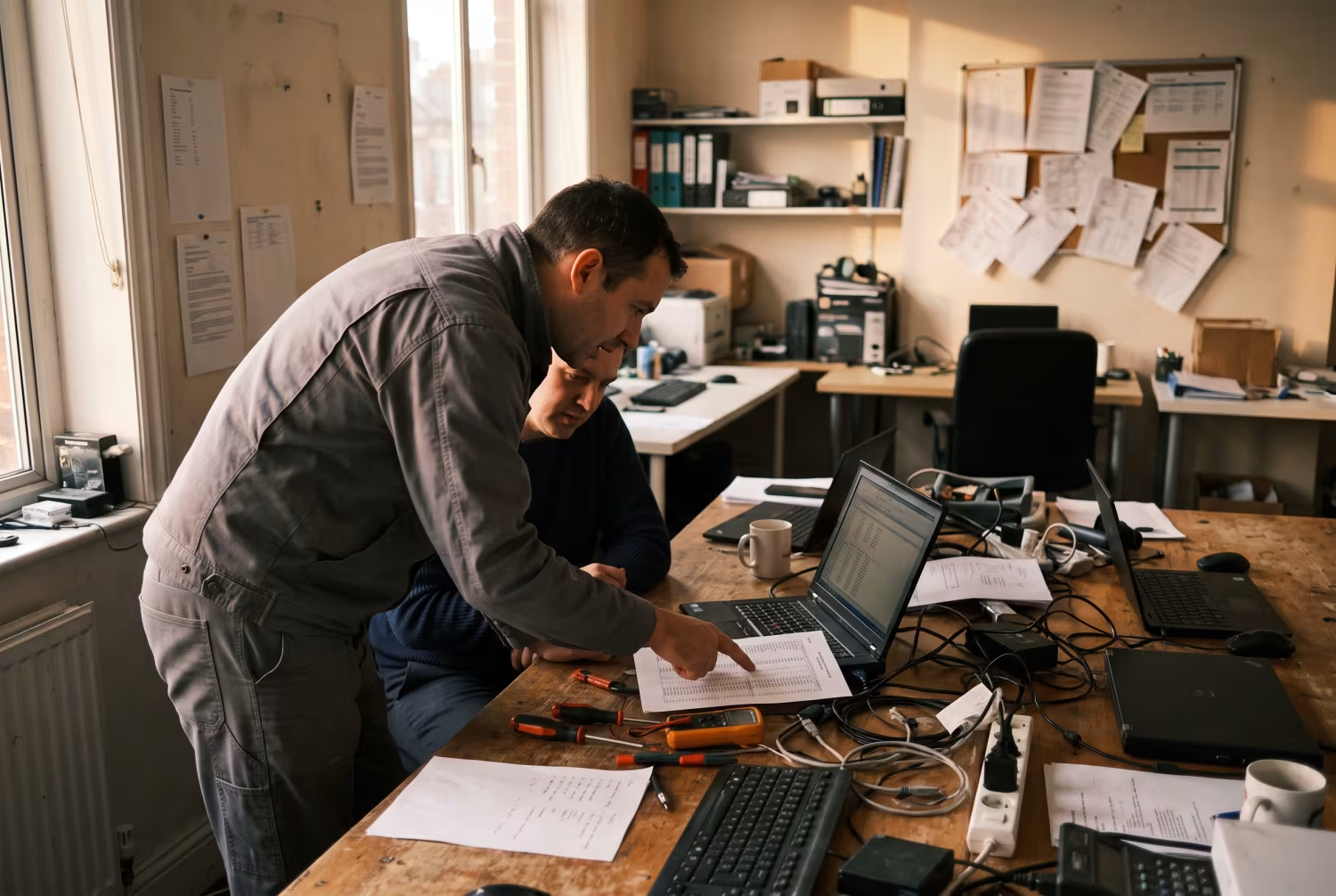
Why the nearest IT support company is not always the best fit
Being nearby feels reassuring, so it's easy to assume a local IT support company will solve problems faster just because they can walk over.
But the real test isn't a site visit — it's what happens when you're facing a serious technical issue or a live cyber threat, and in that moment distance tells you nothing about whether they can actually respond, resolve, and stop it happening again.
Most problems today get fixed remotely anyway. Modern remote IT support tools let technicians diagnose and repair issues without ever stepping into your office, so the postcode stops being the relevant variable — expertise, reliability, and the strength of their systems are what actually carry the weight.
Choose on location alone, and you can easily miss providers running stronger cybersecurity, more reliable backups, or just a better-built operation. The right partner keeps your business running wherever they happen to sit.
What really matters: Five questions to ask before you sign
Plenty of businesses across London and Greater London search IT support near me, but the questions that actually matter have nothing to do with geography. They're about what happens the moment things go wrong, and answering them honestly separates a provider who's ready from one who only looks ready. Here are five you should ask before signing anything.
We run one model, built around our own tools and one non-negotiable security baseline — not five tiers you can haggle down. That's not a sales line, it's how consistency works: the moment you start customising the security floor per client, you've created exceptions, and exceptions are exactly where things get missed.
A consistent baseline is what protects any client, whatever their size — that's the mechanism, not a verdict on who qualifies. We think that's the honest trade-off: accept the baseline as the floor, or this isn't the right model for you, and we'd rather say that upfront than have it surface during an incident.
How do you handle real incidents, not just routine support?
A provider should be able to walk you through what actually happens when something breaks — a cyber attack, a server down — not just quote you a response time. Ask for the process itself: is there a clear plan for major incidents, and can they describe how that plan actually plays out?
What is your approach to cybersecurity for small businesses?
Cyber threats don't skip small businesses, so basic antivirus shouldn't be where the conversation ends. Ask what they do to protect your data, how they track new threats, and whether security reviews happen on a schedule — the answer should sound proactive, not like a checklist being read aloud.
How do you ensure reliable backup and recovery?
Losing data can be devastating, so the backup plan matters more than almost anything else on this list. Find out how often backups run, where that data lives, and how fast you'd actually get it back — a strong answer here is usually the clearest sign of a reliable IT support company.
Who will actually be supporting my business?
Some providers route you through a call centre or an outsourced helpdesk, and that's worth knowing before you sign, not after. Ask whether you get a dedicated team or a single point of contact, because that answer decides how fast help actually arrives when you need it.
How do you measure and report on your service?
A provider should be able to show you how they track their own performance, not just tell you it's fine. Ask for regular reports on issues, resolutions and system health — that transparency is what tells you whether you're getting what you're paying for.
The hidden risks of choosing on convenience alone
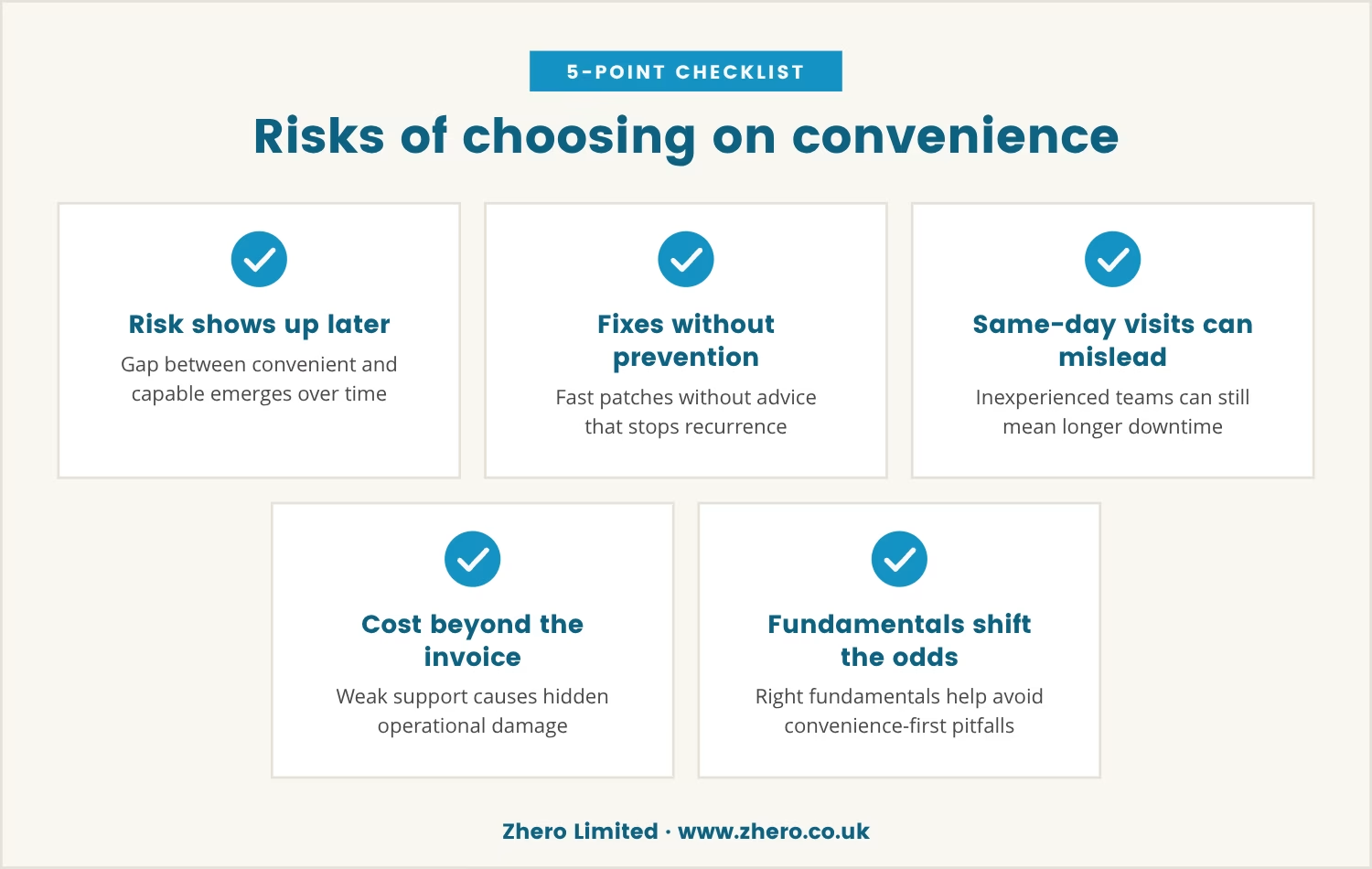
Picking IT support on location or price feels like the simple choice, right up until a problem exposes what that choice actually bought you. The risk doesn't show up on day one — it shows up later, when the gap between convenient and capable becomes impossible to ignore.
A provider chasing quick fixes often isn't investing in the long-term work that prevents the next issue. You might get a fast patch on a broken computer while the advice that would've stopped it recurring never comes — and over time, that gap turns into repeated disruption and quietly lost productivity.
Same-day on-site visits sound reassuring, but if the team behind them lacks experience or the right tooling, you can still end up with longer downtime, not less. The real cost of weak support was never just the invoice — it's the operational damage sitting underneath it.
Look past convenience, though, and the odds shift in your favour. A provider built around the right fundamentals helps you dodge the pitfalls that convenience-first choices tend to walk straight into.
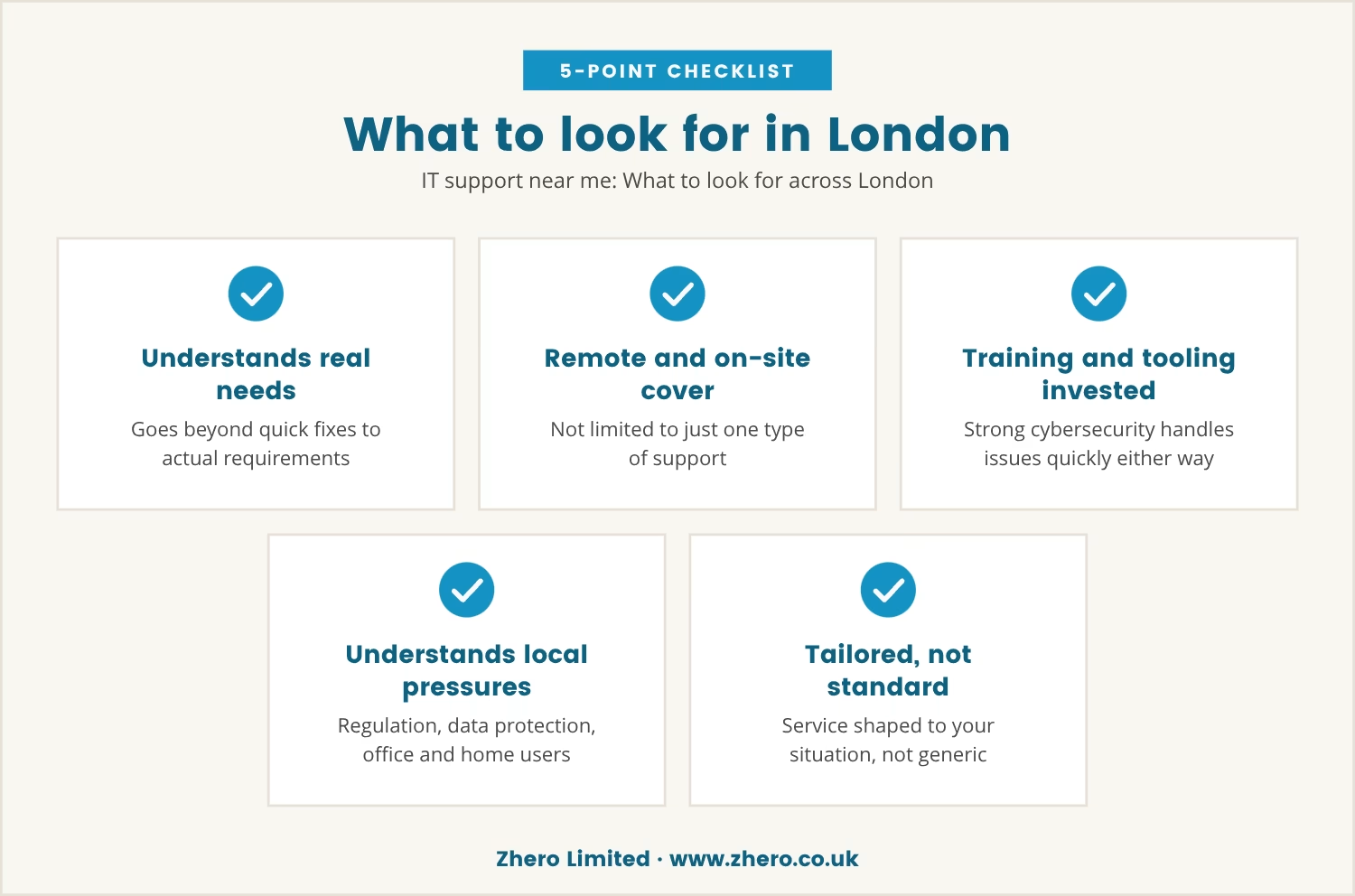
IT support near me: What to look for across London
Businesses across London have no shortage of options, so the real challenge isn't finding an IT support company — it's finding one that understands what your business actually needs instead of defaulting to quick fixes.
Look for a provider covering both remote and on-site support, so you're not boxed into one or the other. One that invests in training, modern tooling and solid cybersecurity will handle issues quickly whichever way they're working.
It also helps when a partner understands the specific pressures London businesses face — local regulation, data protection obligations, supporting both office and home users. A provider worth keeping tailors the service to your situation instead of handing you a standard package and calling it done.
Five key questions every business should ask (before signing any contract)
Before signing with any IT support company, make sure you have a straight answer to each of these.
- Incident response: How do you handle major technical problems or cyber attacks?
- Cybersecurity approach: What steps do you take to protect our business from threats?
- Backup and recovery: How often do you back up data, and how quickly can it be restored?
- Support team: Who will we speak to when we need help, and will we have a dedicated contact?
- Service reporting: How will you keep us informed about the health of our systems and your performance?
Ask these, and contracts that only look convenient on paper stop surviving the conversation.
Why these questions protect your business
These five questions aren't a box-ticking exercise — they're how you see past the pitch to how a provider actually operates. Look at their processes, their people, and how seriously they take your business, and the gap between a provider ready for anything and one only ready for the easy days becomes obvious fast.
A contract can read perfectly well on paper and still hide weaknesses that only surface mid-crisis. Ask the right questions beforehand, and you cut off the downtime, the data loss, and the frustration that unreliable support tends to produce.
The providers worth choosing aren't just nearby — they're the ones ready to help you grow, adapt, and recover from whatever comes next.

Choosing support that prepares your business for anything
At Zhero Limited, we understand that most businesses in London have between 5 to 40 users and need more than just a quick fix when things go wrong.
If you want to see how we approach real incident response and ongoing support, we invite you to start a conversation about your own setup.
Ready to test your IT support risk-free?
Try our services with a risk-free IT trial and receive a free full cybersecurity audit—designed for businesses who want to be sure their support will hold up in a real crisis.
Frequently asked questions
How do I know if my business needs more than just basic computer repairs?
If the same issues keep resurfacing, or data security is a recurring worry, basic repairs aren't solving the actual problem. A reliable provider looks at the whole system and suggests improvements rather than patching the same fault repeatedly.
What is the difference between local IT support and remote IT support?
Local IT support means technicians visiting your office in person, while remote IT support uses secure tools to fix issues from a distance — often faster. Most businesses end up needing a mix of both, depending on what's gone wrong.
Can IT support companies help with setting up Wi-Fi and network security?
Yes — most IT support companies handle wi-fi setup, network configuration and securing connections, and should also advise on keeping that network safe from cyber threats.
How often should I back up my business data?
Daily is the sensible minimum, though the right schedule depends on how much data your business generates and how critical it is. Your provider should set up automatic backups and actually test them, not just assume they work.
What should I expect from reliable IT services for a small business?
Fast responses, clear communication, and solutions sized to your business rather than a generic package. Reliable IT services don't just fix problems — they stop the same ones from coming back and support the business as it grows.